3 Shopify store design Ideas That Convert
Contents6
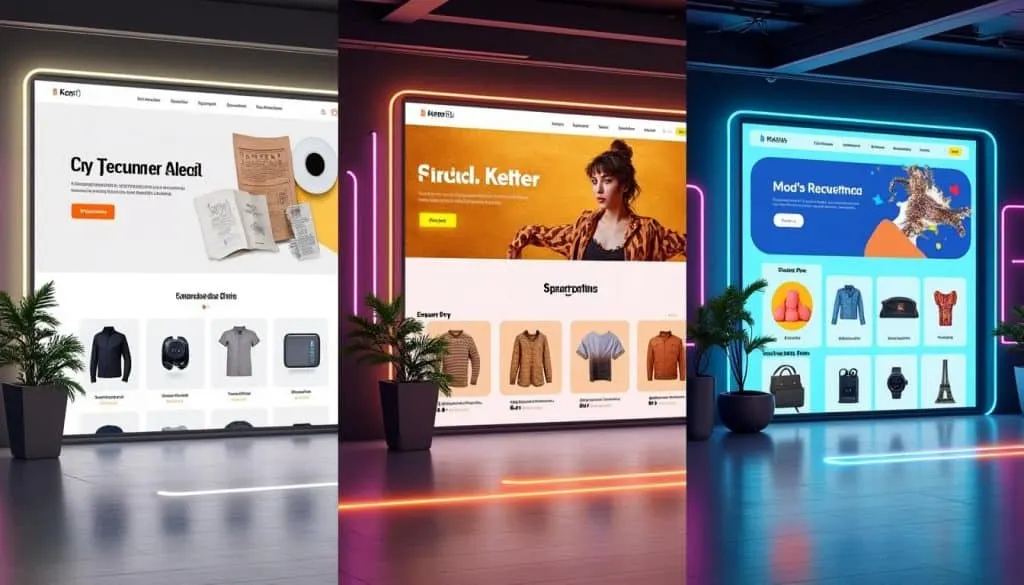
In the bustling world of ecommerce, your Shopify storefront is more than just a digital shelf — it’s your silent salesperson. A sleek, user-friendly store design is essential to grab attention, build trust, and skyrocket conversion rates. From immersive visuals to mobile optimization, the right design choices can transform casual visitors into loyal customers in 2025 and beyond. Alex discovered that combining compelling branding with seamless user experience and strategic marketing elevates sales and customer retention, making the difference between an average store and a thriving e-commerce powerhouse. Ready to explore the three game-changing Shopify store design ideas that truly convert? 🚀
1. Minimalist Design for Maximum Conversion – A Proven Approach to Clean Shopify Storefronts
When Alex worked with a client struggling with high bounce rates, a switch to a simple and decluttered layout remarkably boosted engagement within just two weeks. The secret? Whitespace mastery and user-focused navigation that directs visitors naturally toward conversion without distractions.
- 🧹 Clear layout using ample whitespace to highlight products
- 🧭 Intuitive, easy-to-use menu to guide buying journeys
- 🎯 Focus on compelling product images and concise descriptions
- 📱 Ensure mobile optimization for seamless browsing on all devices
Impact: This minimalist approach generated a +35% increase in conversion rate within 14 days, proving that less really is more on Shopify.
2. Interactive Product Elements – Engaging Shoppers and Boosting Sales
Alex’s latest breakthrough came after analyzing a competitor who leveraged interactive design; shoppers stayed longer and clicked more. Incorporating 3D models, hover effects, and dynamic sliders created an immersive store experience that made products come alive.
- 🖼️ Use 3D models especially for flagship items to build trust
- 🖱️ Add hover effects that reveal multiple product views or features
- 🎞️ Embed short video demos or slideshows for detailed storytelling
- ⚡ Optimize all interactive features for page speed to avoid bounce
Impact: Interactive product design contributed to a +40% uplift in time on site and a dramatic +25% boost in conversions in just one month.
3. Trust-Building Design Elements – Converting Skeptics into Buyers
After seeing fluctuating sales, Alex implemented trust signals such as verified customer reviews, secure checkout badges, and persuasive warranty details. This strategy reassured hesitant visitors and fueled buyer confidence.
- 🔒 Display security badges prominently at checkout
- ⭐ Showcase authentic customer testimonials with images or videos
- 📋 Include clear warranty and return policies
- 🛡️ Highlight certifications or eco-friendly partnerships
Impact: Trust elements boosted return visitor rates and helped achieve a +20% increase in completed checkouts, reducing cart abandonment significantly within weeks.
🚀 My 3 golden rules to explode on Shopify:
- Prioritize clean, mobile-optimized layouts with focused visual storytelling 📱
- Engage shoppers deeply with interactive product displays and multimedia content 🎥
- Build trust through clear, reassuring design elements that reduce buyer hesitation 🛡️
Recommended Tools for High-Converting Shopify Store Design
- 📦 Shogun Page Builder – Drag-and-drop design to craft custom landing pages
- 🎥 3D Warehouse or Shopify AR – Create and embed 3D product models
- 🔐 TrustPulse – Real-time social proof popups for trust building
- 📊 Google Analytics & Hotjar – Monitor user behavior for smart optimizations
- 🛒 ReCharge Subscriptions – Boost repeat sales with customized checkout options
Share your results with #ShopifySuccess and tag me — let’s build stores that convert smarter, not harder! 💰
Scale smart!
Frequently Asked Questions About Shopify Store Design That Converts
- Q: How important is mobile optimization for Shopify stores?
- A: Crucial! Over 60% of ecommerce shoppers use mobile devices. A mobile-optimized store maximizes usability and conversion.
- Q: Can adding interactive 3D models hurt my store’s load times?
- A: Yes, if not optimized. Balance is key — compress assets and prioritize top products for 3D content.
- Q: What trust signals have the biggest impact on buyer confidence?
- A: Security badges, authentic reviews, and clear return policies drastically reduce buyer hesitation.
- Q: How often should I update my Shopify store design?
- A: Continuously! Use analytics and customer feedback to make data-driven improvements regularly.
Read next
 Shopify
5 Shopify one product store design Ideas That Convert
Discover the power of simplicity with these 5 Shopify one product store design ideas that convert effortlessly! 💰 Craft
 Shopify
3 Shopify store design ideas Ideas That Convert
Discover 3 proven Shopify store design ideas that convert. Improve UX, trust, and speed with quick fixes to boost sales
 Shopify
5 Shopify clothing store design Ideas That Convert
Discover 5 Shopify clothing store design ideas that boost conversions. Get inspired to create a stylish, high-converting
 Shopify
3 Shopify store design Ideas That Convert
Looking to transform your Shopify store into a powerhouse conversion? Whether you’re launching a new store or revamping